SoloChat. AI assistant app UX/UI design for macOS
About
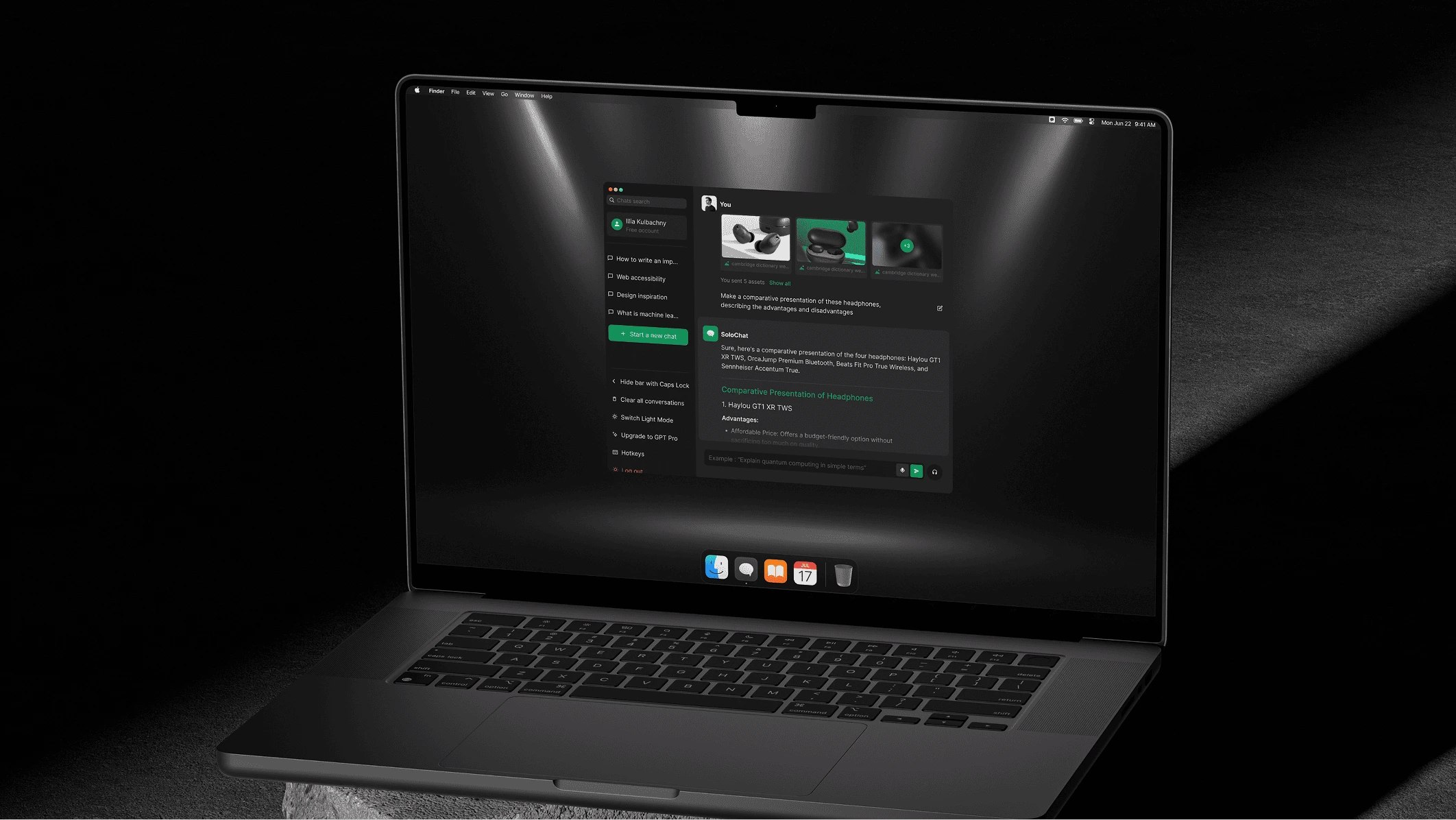
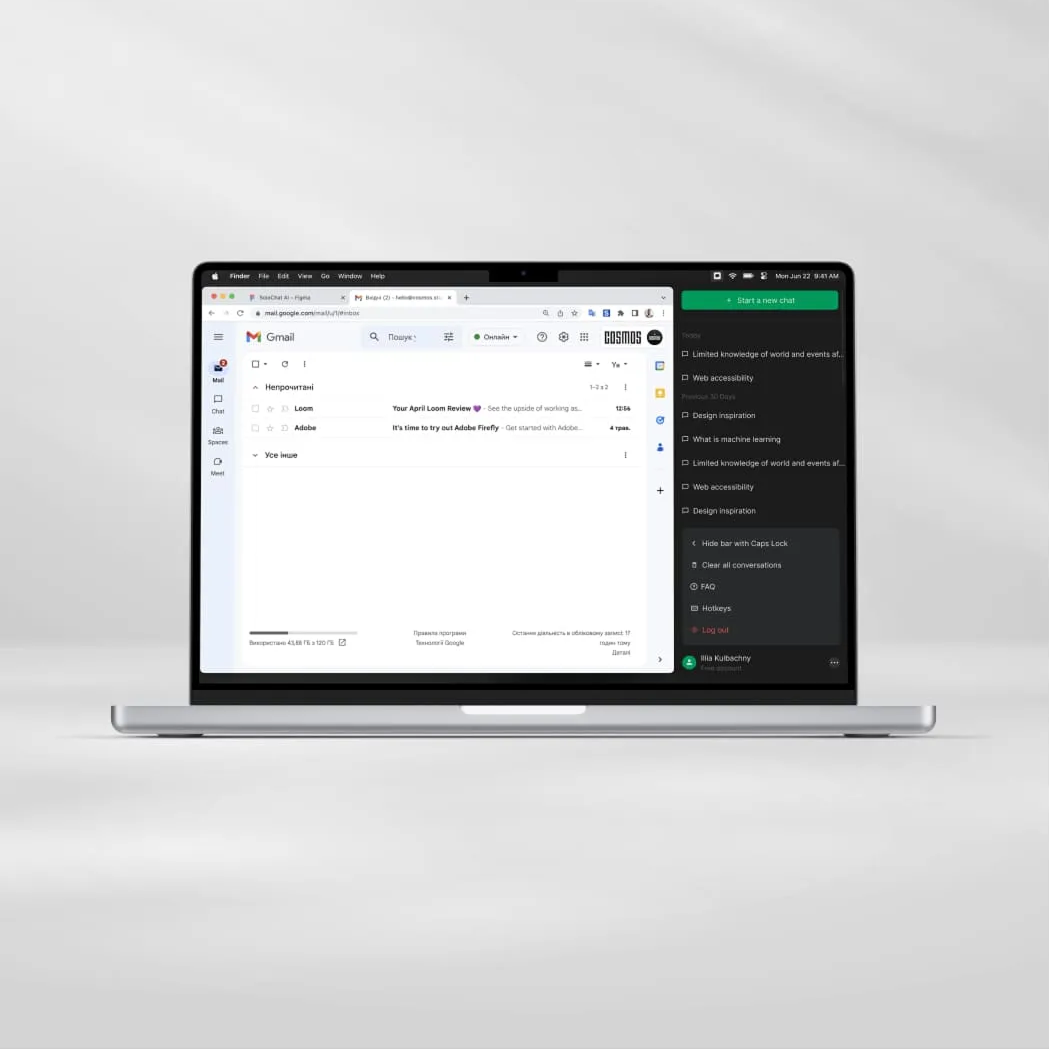
SoloChat is an AI assistant app for macOS, built for fast work with information, finding answers and automating everyday tasks. It is designed to feel like a natural, lightweight extension of the operating system rather than another heavy browser tab.
Summarize with



Challenge
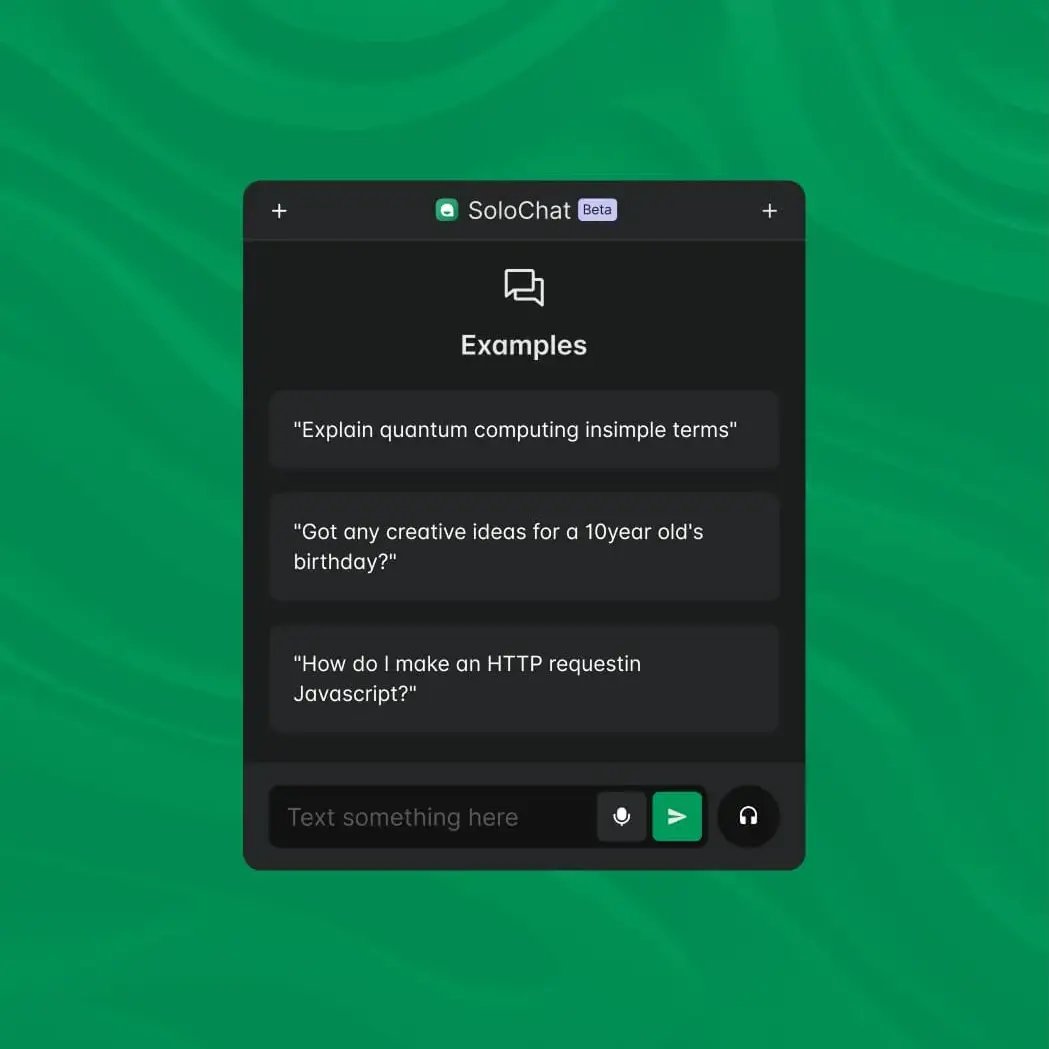
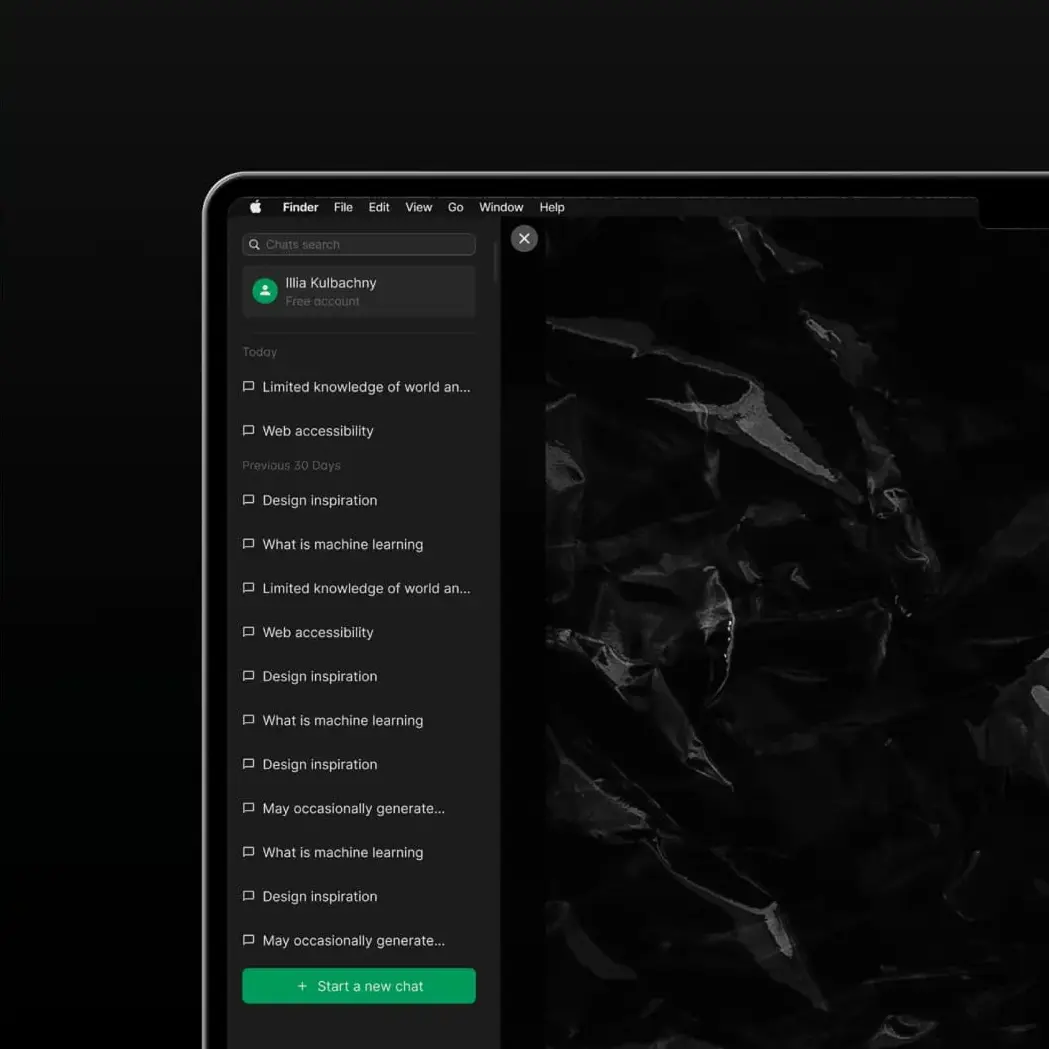
SoloChat is an AI assistant app for macOS for fast work with information, finding answers and automating everyday tasks. Most AI chat apps on Mac are cluttered and resource-heavy, with sprawling layouts, little personalization and weak accessibility and error handling – all of which drain memory and erode user trust. SoloChat needed a clean architecture, fast access to key features and comfortable work with large amounts of information.
Solution
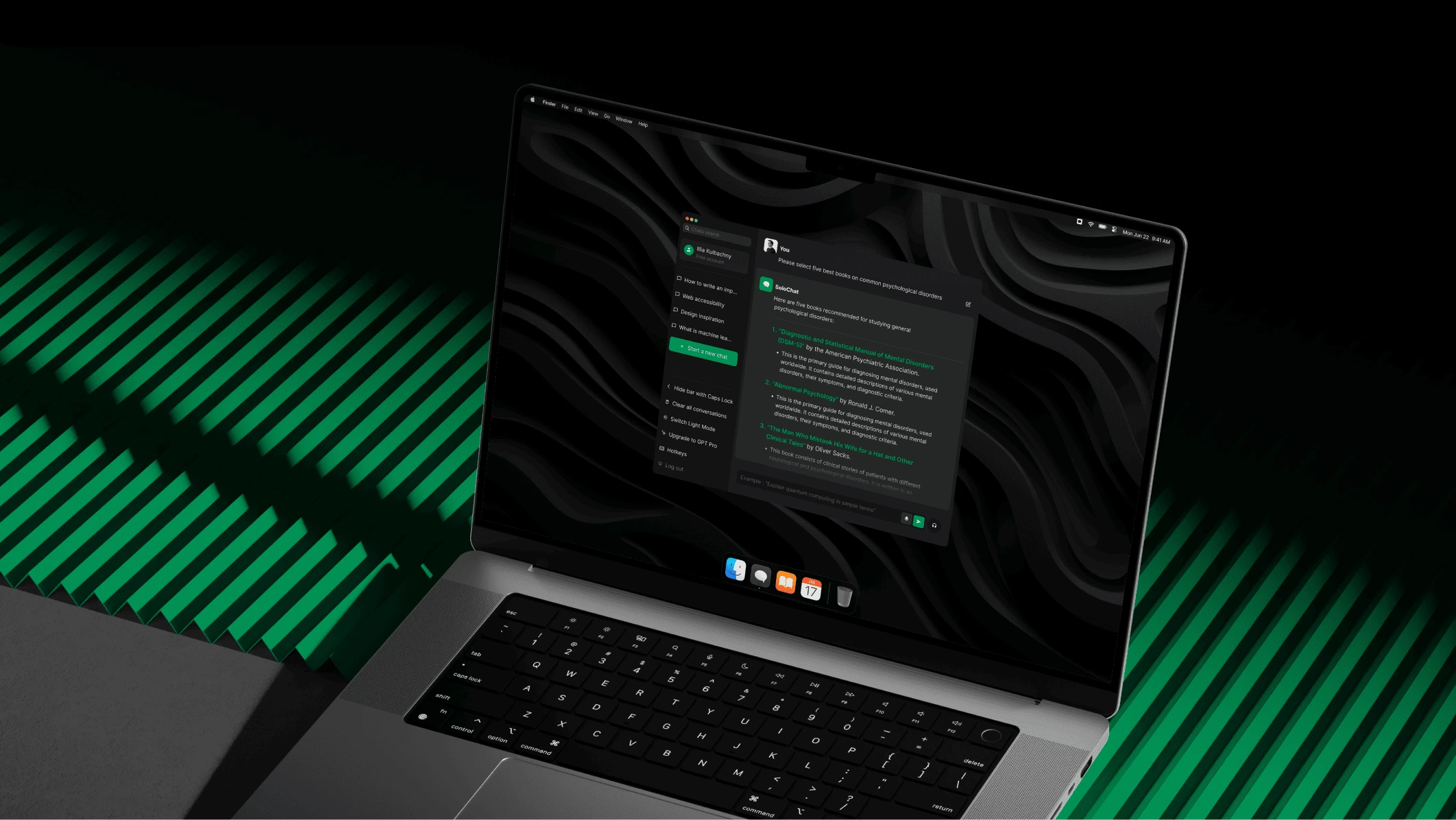
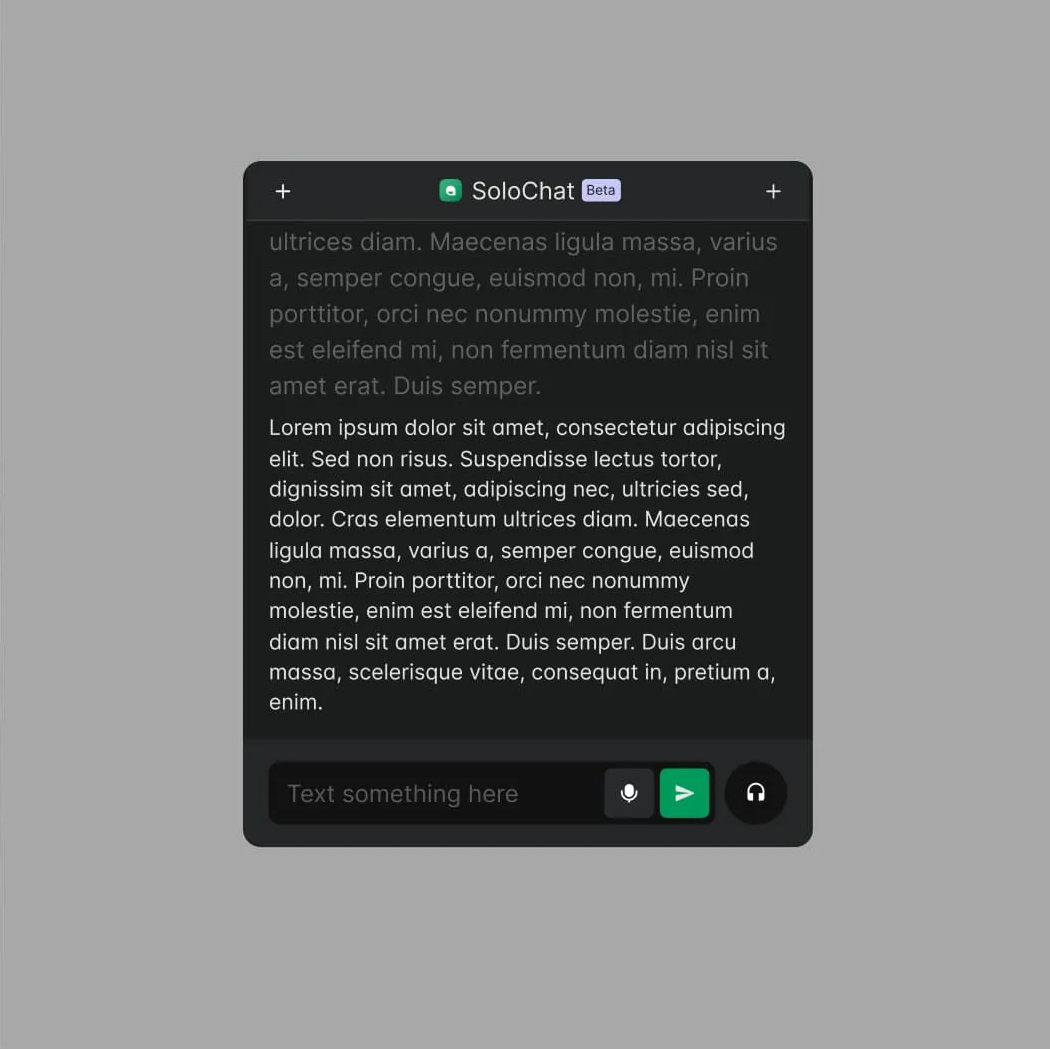
We designed a minimalist, compact interface with clear input cues and adaptive personalization, keeping the app fast and lightweight while still feeling tailored to each user. Screen-reader support, friendlier error handling and more concise responses reduce cognitive load, and a live-sources search lets SoloChat surface and compare relevant references, projects and visuals directly inside the conversation.

Key AI features
We designed flows for the tasks people use an AI assistant for most: searching and comparing sources for research and study, personalized recommendations of books and materials, product comparison by specs, price and reviews, coding help that finds and explains bugs, and a voice mode for search and to-do lists without a keyboard. Each flow follows the same minimal UX, so the app stays fast and easy to learn.

















































Start your project with Cosmos Studio™
Drop us a message, Anna reviews every brief personally and gets back to you within one business day. From there it's simple: we align on scope, sign the contract, and book your start date. Fast, clear, no back-and-forth.
